
Create your account
Sign up with an email address, Google or Apple. One account can hold several homes and can be shared with your family.
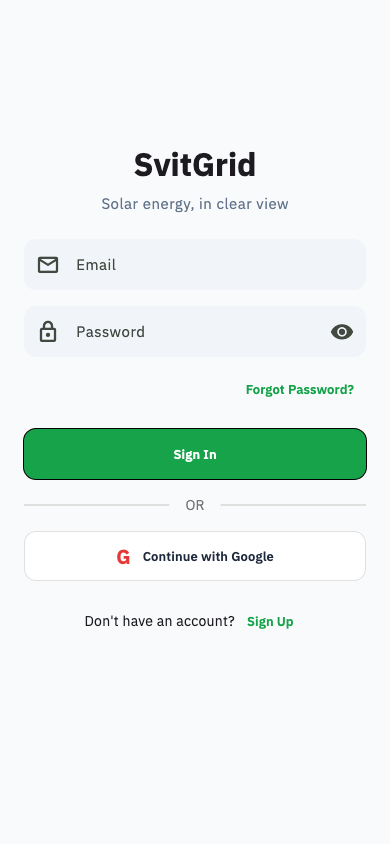
Register
- Open Svitgrid and tap Create account.
- Enter your email and a password of at least 8 characters.
- We email you a 6-digit code. Type it into the app to confirm your address.
It is a code, not a link
Every email Svitgrid sends you — sign-up, password reset, approving a new phone — contains a short code that you type into the app. There is no link to click, so it does not matter which device opens the email.
Codes are valid for 15 minutes. If yours has expired, ask for a new one rather than retyping the old.
Sign in with Google or Apple
Faster, and there is no password to forget. Use the same one every time — signing in with Google and then later with email creates two separate accounts, and your home will only be in one of them.
If your household disappears after signing in, you have almost certainly signed in through a different provider than the one you registered with. Sign out and try the other one before creating anything new.
Forgotten password
Tap Forgot password on the sign-in screen. We email you a 6-digit code; type it in and choose a new password.
Two-factor authentication
Under Settings → Account → Security you can require a second code at sign-in. Turn this on if other people can reach your email.
Store your recovery codes somewhere safe and offline. If you lose both your second factor and your recovery codes, nobody at Svitgrid can unlock the account for you.
Deleting your account
Settings → Account, then the danger zone at the bottom. This removes your account and the homes you own. It cannot be undone.