
Smart load and generator port
Many hybrid inverters have a second output for a generator or a controllable load. Svitgrid shows what flows through it — once you tell it the port is in use.
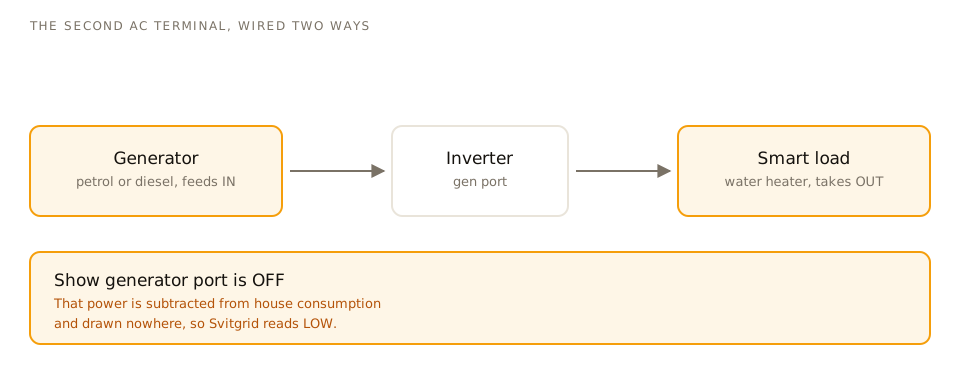
What the port is
A spare AC terminal on the inverter, used in one of two ways:
- Generator input — a petrol or diesel generator feeds the inverter.
- Smart load output — a load the inverter can switch on when there is surplus power, typically a water heater.
Turning it on in Svitgrid
Settings → Inverter settings → Generator port. Choose which way you use it and switch on Show generator port.
This is the single most common "my numbers are wrong" cause
Until you switch it on, power flowing through that port is subtracted from your house consumption but shown nowhere. The result is that Svitgrid reads lower than your inverter's own screen — on one real installation, 37% lower.
If Svitgrid and your inverter disagree about house consumption, check this setting first.
What you see once it is on
A generator-port node on the dashboard diagram, a detail card with runtime and fuel figures, and its own series in the charts.
Controlling it
On Deye, Sunsynk and Sol-Ark you can force the generator to start from Inverter controls, or schedule it with a Start generator calendar event — including start and stop charge levels, quiet hours, and a rule that it only runs when the grid is actually down.