
Sharing with family
Invite other people into your home. They see your data on their own account, at the level of access you choose.
Settings → Members. Owner or admin only.
Inviting someone
Tap Invite, enter their email address, and choose their role.
Svitgrid does not email the invitation — you have to tell them
No message is sent. The invitation waits inside the app until the person signs in to Svitgrid using that same email address, and it then appears under Settings → Pending invitations for them to accept.
So two things have to be true, and both are on you to arrange:
- They install Svitgrid and create an account with exactly the email you invited. A different address, or signing in with Google when you invited a plain email, will not find the invitation.
- You tell them to look, because nothing notifies them.
Pending invitations are listed on your Members screen until accepted, and you can cancel one at any time. An invitation expires after 7 days — if it lapses, just send another.
Roles
| Role | Can view | Can change settings and control the inverter | Can invite and remove people | Can delete the household |
|---|---|---|---|---|
| Owner | Yes | Yes | Yes | Yes |
| Admin | Yes | Yes | Yes | No |
| Member | Yes | No | No | No |
There is exactly one owner, and the role cannot be changed or removed. To hand a home to somebody else, transfer ownership.
Choose Member for most people
A family member who wants to see how much solar the house made does not need permission to rewrite the inverter's schedule. Member is the right default.
Changing or removing
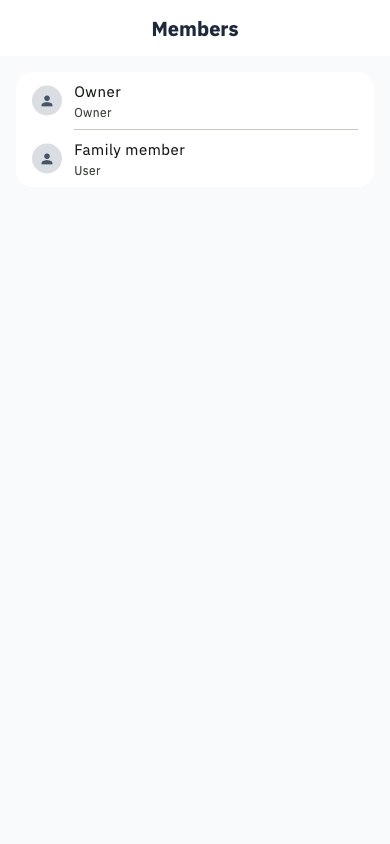
Tap a person to change their role or remove them. An admin cannot remove another admin, and nobody can remove the owner.
Who pays
Invited members ride on the owner's plan. They are never asked to subscribe, and their access is whatever the owner's plan allows.