
Smart devices
In short
With a Gateway you can add Zigbee smart sockets and EV chargers, then switch them from Svitgrid or from a schedule.
Settings → Smart devices.
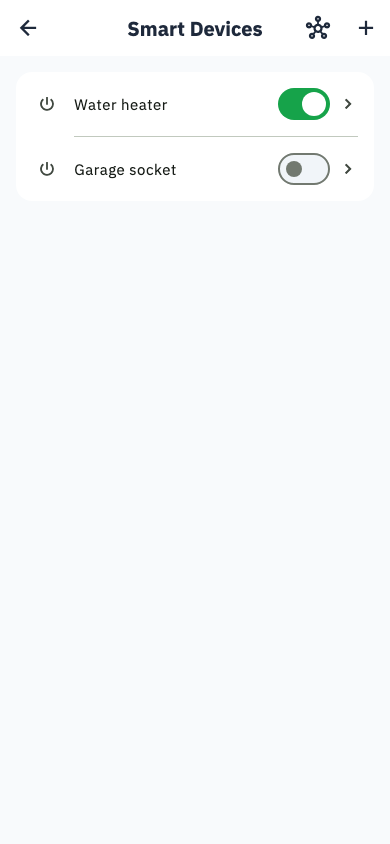
What you can connect
- Smart sockets — Zigbee sockets, for a water heater, a pump, or anything you want switched on surplus solar.
- EV chargers — charge the car when the sun is out or the price is low.
Zigbee sockets need a Svitgrid Gateway
The Gateway contains the Zigbee radio. Without one, the socket rows are greyed out. EV chargers work on the phone-collector path too.
Adding a socket
- Open Settings → Smart devices.
- Tap the add action in the top bar.
- Put the socket into pairing mode — usually by holding its button until it flashes.
- Svitgrid keeps a 2-minute pairing window open and shows the device when it joins.
What you can do with them
- Switch on and off by hand
- See what each one is consuming, and its history
- Include them in a calendar event — turn the heater on when the battery is above 80%, off when a blackout is scheduled
- Pick which ones an alert's "turn these off" suggestion actually switches
Mesh view
Zigbee devices relay for each other. The Mesh screen shows which are connected directly, which route through a repeater, and which are unreachable, with a Test connection button.
A socket that keeps dropping out is usually too far away
Add a mains-powered Zigbee device between it and the Gateway; it will relay automatically.