
Firmware updates
The Gateway updates itself over Wi-Fi. You can also trigger an update, or roll back, from the app.
Automatic updates
A new Gateway updates itself to the current firmware during setup, showing progress on your dashboard. After that it keeps itself current.
Updating by hand
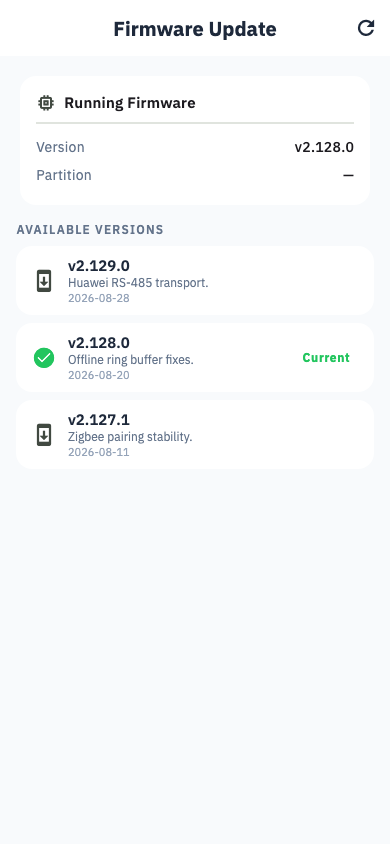
The station's Settings tab → Edge Device → your device → Firmware. You see the installed version, the newest available, and an Update button.
The update runs in stages — download, verify, install, restart — and the app shows which stage it is on. It takes a few minutes. The device keeps collecting until the final restart.
Rolling back
The Gateway keeps the previous firmware in a second slot, so Roll back returns to it. Only one version back is kept.
Safe by design
The new firmware is checksum-verified before installation. If an update is interrupted or the new version fails to start, the device automatically returns to the version that was working.