
Write history
In short
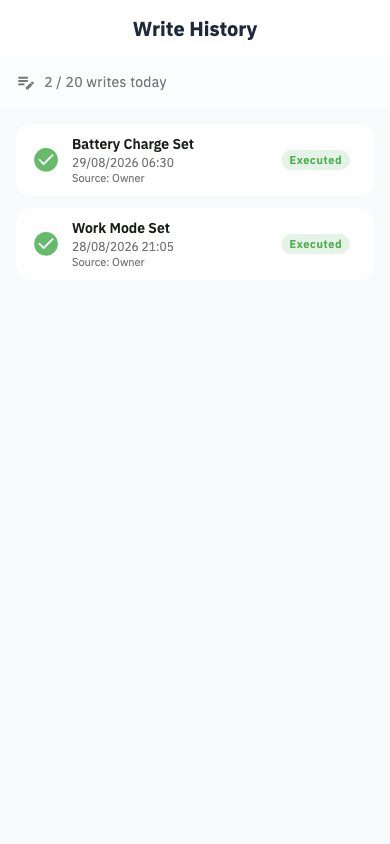
A complete log of every setting Svitgrid has changed on your inverter — what, when, by whom, and whether it worked.
Settings → Inverter settings → Write history.
Each entry shows the time, the setting, the value written, what triggered it — you, a calendar event, or the planner — and whether the inverter confirmed it.
When it is useful
- "Why did my battery drain overnight?" Find the event that changed a setting and see the value.
- "Did my schedule actually run?" A missing entry means it never fired.
- "Who changed this?" Every entry names the person or the automation.
Before contacting support about strange behaviour, open this screen and look at the hours around the problem. It usually contains the answer.