
Will ED-1 work with my inverter?
Set up a station in the Svitgrid app with your phone as the collector. If the phone shows live readings, ED-1 will read your inverter too. The test takes about 10 minutes and needs no hardware.
ED-1 reads your inverter over your home Wi‑Fi, through the Wi‑Fi module (the logger, or "stick") already plugged into the inverter. That works only if the module answers on your home network. Most modules do. Some recent Deye modules do not: they send data only to the manufacturer's cloud and refuse every local connection.
Nothing on the box or on the label tells you which kind you have. One test does.
Why the phone test answers the question
When your phone collects the data, the Svitgrid app reads the inverter the same way ED-1 does: over your home Wi‑Fi, through the same module, in the same protocol. So the result carries over:
- The phone shows live readings — ED-1 will work.
- The phone cannot read the inverter — ED-1 cannot read it either. Choose ED-1.1: it connects to the inverter with a cable and does not need the module.
Before you start
- The Svitgrid app is installed, and you are signed in. See Download and install and Create an account.
- Your phone is at home, on the same Wi‑Fi network as the inverter's module. If the inverter manufacturer's app shows live data, the module is on your network.
- You know the module's serial number. It is printed on the module's own label. See Connecting to your inverter.
Run the test
Open the Svitgrid app. A new account starts setup by itself. Swipe through the steps, or use the arrows:
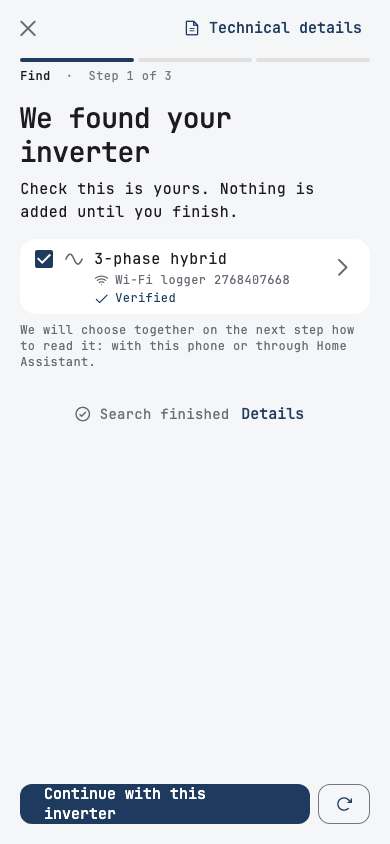
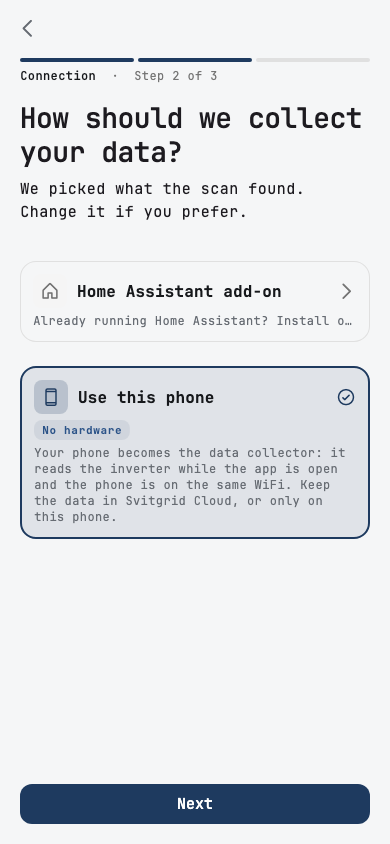
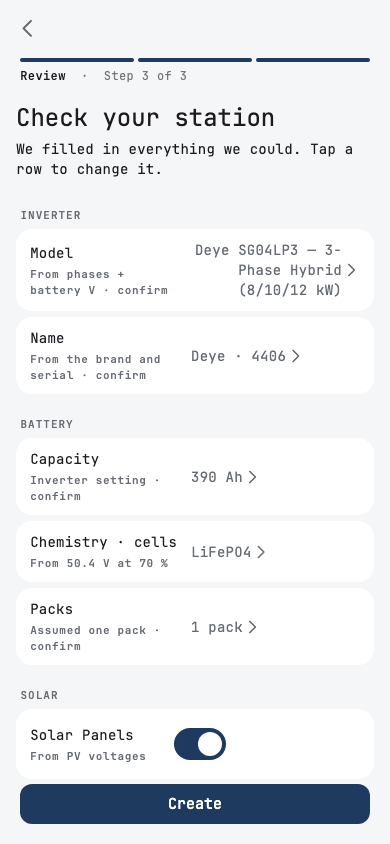
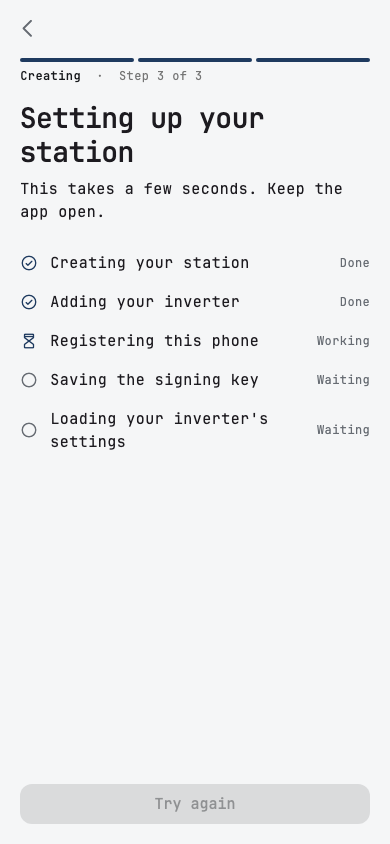
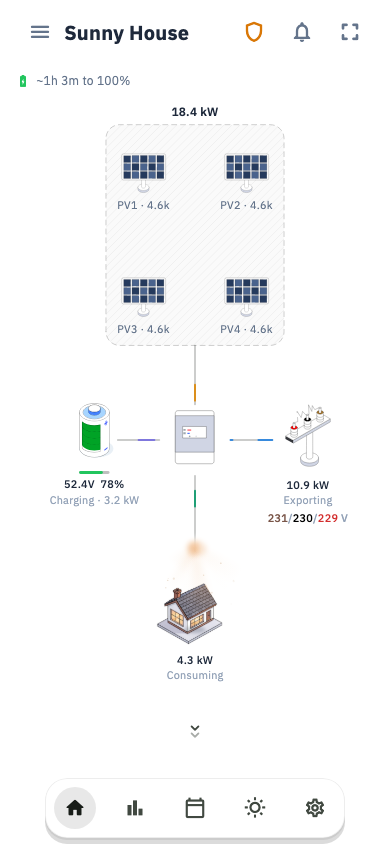
The steps are the same as in Setting up your system.
Read the result
| What you see | What it means |
|---|---|
| The dashboard shows solar, battery and house power, and the numbers match the inverter's own screen | The module answers on your network. ED-1 will work. |
| The app finds no inverter, although the manufacturer's app shows live data | First check the IP address and the serial number, as described in Connecting to your inverter. If the app still finds nothing, the module refuses local connections. Choose ED-1.1. |
| The station is created, but the dashboard stays empty | The module accepts the connection but does not answer it. Choose ED-1.1. |
Keep the station you created
The test station is not wasted. When your ED-1 arrives, open the station, go to the Settings tab, then Edge Device → Add a board. The board takes over collecting, and the station keeps its history.
A failed test does not mean Svitgrid cannot read your inverter
It means nothing can read the inverter over Wi‑Fi. ED-1.1 connects to the inverter's communication port (RS-485) with a cable, so it does not depend on the Wi‑Fi module at all. See Setting up your Svitgrid Gateway.
More detail — which inverters the test covers
The test is reliable for every brand that ED-1 reads through the network: Deye, Sunsynk, Sol-Ark, Solis, Sofar, SRNE, Megarevo, KSTAR and Afore, plus Huawei, Victron and Solplanet.
It does not work the other way round for TSUN, Swatten, CHINT, INVT, LuxPower/EG4 and Anenji. The phone can read those, but ED-1 cannot: it has no support for them yet. See Supported inverters.