When there is no wireless way in
Some inverters cannot be reached over WiFi or Bluetooth at all — the logger stops answering, or there is no logger to begin with. The Edge Connector wires into the inverter’s own RS-485 terminals and reads it directly.
 Ivan UrsulSvitgrid developer
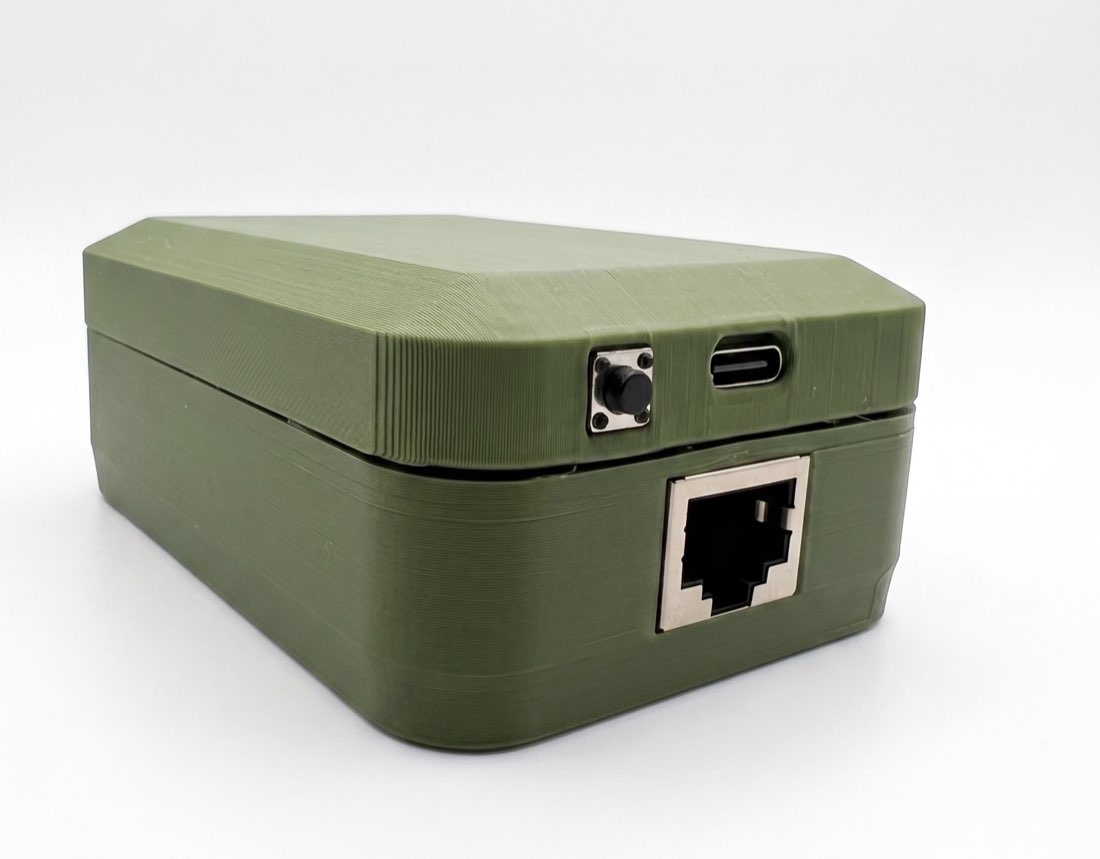
Three ways an inverter goes out of reach
The logger stops answering. On a Deye or a Sunsynk, Svitgrid reads the inverter through its Solarman logger — the WiFi stick — over your local network, on port 8899. That was never a door the vendor promised to leave open, and logger firmware updates have been closing it. When yours closes, the app goes quiet, and there is nothing you can change in the app to bring it back.
There is no logger. A Huawei SUN2000 with no SmartLogger and no SDongle has no network interface at all. There is nothing to connect to, at any price.
The logger answers only the manufacturer. Some sticks reach the vendor’s cloud and refuse everything on your own network, including you.
In all three the inverter is working perfectly. What is missing is the route to it.
And even when the logger does answer, you are the second thing it is doing. Its first job is uploading to the manufacturer’s cloud, and that job takes priority — every local read is competing with it for the same device. Reading the inverter directly takes us out of that queue: nothing we ask for delays the logger’s upload, and nothing the logger is busy with delays us.
The bus that is always there
Your inverter has RS-485 terminals of its own — the same ones an external meter or a battery management system uses. That bus belongs to the inverter, not to a logger and not to a radio, and no firmware update can take it away.
The Edge Connector wires into those terminals, reads the inverter directly, and uploads over your WiFi. Your logger stays exactly where it is and keeps doing whatever it does for the vendor’s own app.
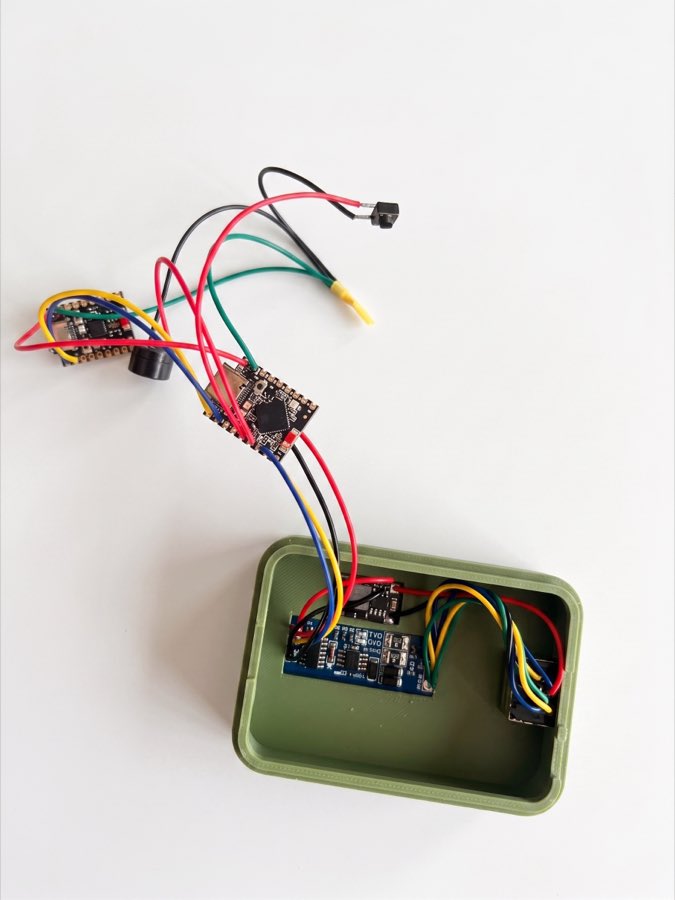
One connector, one cable
Everything arrives on a single RJ-45 — the RS-485 pair, signal ground, and the DC that powers the box. You can crimp the cable yourself from ordinary Cat 5e.
The pin convention is published: pins 1–2 and 7–8 carry RS-485, pins 3 and 6 are signal ground, pins 4–5 are the DC input. Read the pinout page before you crimp.
The RJ-45 pin convention →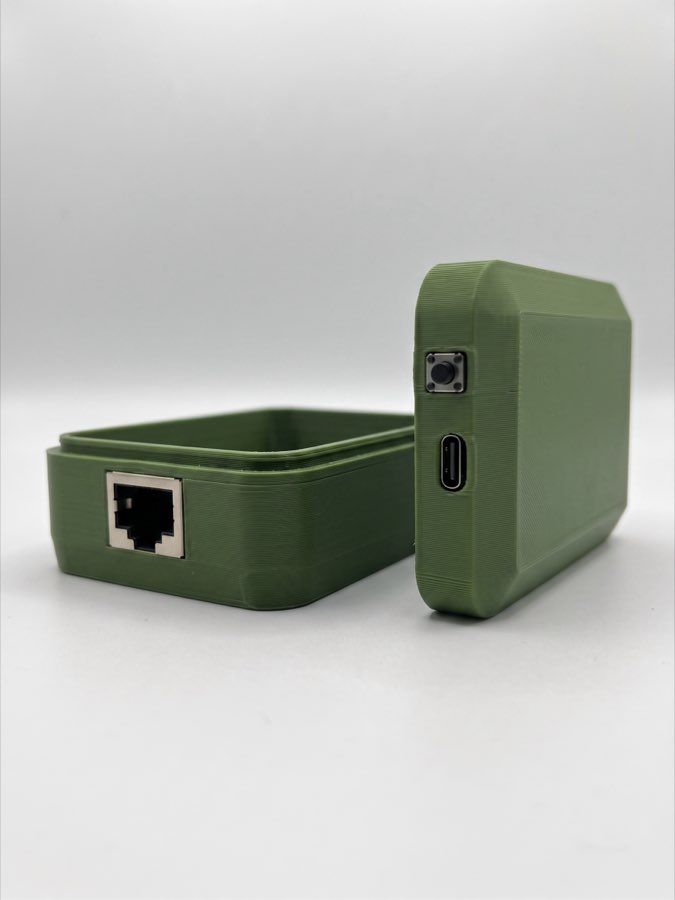
Not only Deye
The same wiring reads a Huawei SUN2000 that has no SmartLogger and no SDongle. That is where this work started, on a live SUN2000-30KTL-M3, on 28 August 2026.
Nine more brands can be onboarded over a directly wired bus as of 3 September 2026: Deye, Sunsynk, Sol-Ark, Afore, SRNE, KStar, Sofar, Megarevo and Solis.
A network forgives. A wire does not.
Reading an inverter over the network is a conversation with something that wants to talk. There is a port, an address, and an error code when you get it wrong.
RS-485 is a pair of wires. Nothing announces itself. Two devices that transmit at the same moment corrupt each other, so only one may speak at a time — and all of the timing is ours to get right: how long to wait between requests, how long to wait for an answer, how long to hold the line before letting go. Get any of it wrong and the bus does not complain. It goes quiet.
A quiet bus tells you nothing. It looks identical whether transmit and receive are crossed, A and B are swapped, the speed is wrong, the address is wrong, the transceiver has no power, or the inverter simply declined to answer. Six faults, one symptom. We lost three days to the first of them — our own wiring diagram had transmit and receive the wrong way round.
So we stopped guessing and built something that answers. Our inverter emulator is a small board that behaves on the bus the way a real inverter does: the same protocol, the same speed, the same registers, driven by a model of an actual installation. When the Edge Connector asks it a question, it replies the way the real thing would.
That gives us a control. If the emulator answers and the inverter does not, the fault is at the inverter end. If neither answers, the fault is ours. Silence stops being ambiguous, which is the whole difficulty with a wire.
What the emulator cannot do is confirm that a register address is right. It answers from the same map the Edge Connector reads, so a wrong map makes both of them wrong together, agreeing perfectly. That is why nothing counts as proved here until a real inverter’s own daily counters agree with what we read out of it.
Getting one
The board arrives with the RS-485 transceiver fitted and configured. There is nothing to solder and nothing to set up on it.
You need three things at your end: a cable from the box to your inverter’s RS-485 terminals, WiFi that reaches where the inverter is, and the Svitgrid app on your phone. The app connects to the device over Bluetooth, walks you through the wiring, then scans the bus and finds the inverter on it.
From there it is the same Svitgrid as everybody else’s — live data, history, alerts and control, from anywhere.
Watch one being built
Eighty-five seconds, start to finish. This is what “hand-assembled” means — the transceiver, the RJ-45 breakout and the wiring all go in by hand, which is also why an ED-1.1 takes a day rather than coming off a shelf.
Order an ED-1.1
Ships via Nova Poshta within Ukraine. International orders are arranged individually.
1400 ₴
The Gateway page lists two boards: ED-1 reads through your logger, ED-1.1 is this one. Pick ED-1.1 and name your inverter model in the Message field. It is its own board rather than an add-on, so an Edge Connector you already own stays Wi-Fi only.
The app needs a paid plan, bought inside Svitgrid on your phone. It starts at $2 a month.
Order on the Gateway pageEvery change in firmware 2.139.0, line by line.
Open the changelog →