Svitgrid Gateway
A small box that sits next to your inverter. It reads the inverter around the clock and sends the readings to your phone — so you can see your system from anywhere, not only at home.
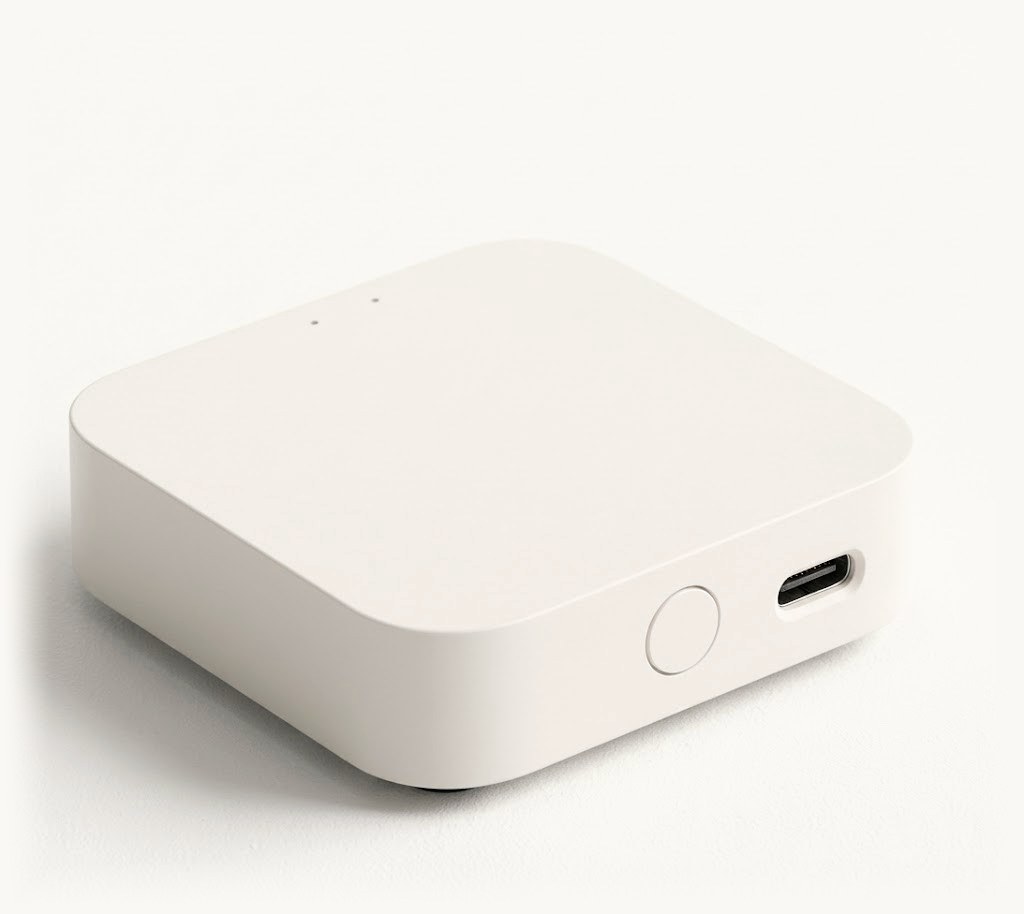
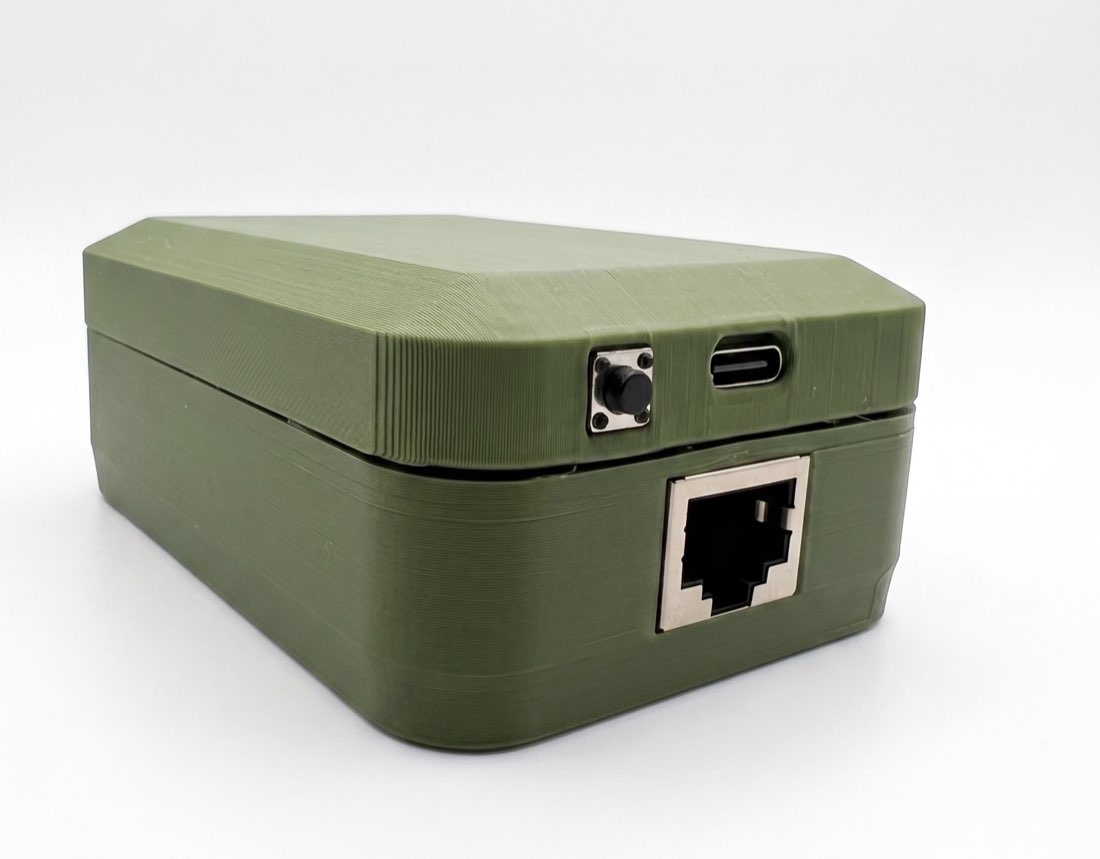
Which board do I need?
Most inverters have a small Wi-Fi module on them, fitted by the installer. It is the thing that feeds your inverter manufacturer’s own app.
Check it like this: open your inverter manufacturer’s app on your phone — Solarman, FusionSolar, or whichever one came with your system.
| ED-1 | ED-1.1 | |
|---|---|---|
| Your inverter has a Wi-Fi module and it works | ✓ | ✓ |
| Your inverter has no Wi-Fi module at all | — | ✓ |
| The module is there but sends nothing | — | ✓ |
| Readings keep coming while the module is busy | — | ✓ |
| What you have to do | Plug it in | Run one cable to the inverter |
| Price | 999₴ | 1400₴ |
Assembled and tested in production batches

App alone, or app + Gateway?
The Svitgrid app works on its own. The Gateway is what makes it always-on.
| Capability | App only | With Gateway |
|---|---|---|
| Monitor while your phone is closed or away | — | ✓ |
| Monitor from anywhere (not just on-site WiFi) | — | ✓ |
| Continuous history with no gaps | — | ✓ |
| Run scheduled charge/discharge & time-of-use commands | — | ✓ |
| Control Zigbee smart devices from solar | — | ✓ |
| Manage multiple sites (installers) | — | ✓ |
| Live, on-demand readings on your phone | ✓ | ✓ |
What you get
Never miss a thing
The Gateway reads your inverter every 5 seconds and streams to the cloud around the clock — so your history has no gaps, even when your phone is off or you're miles away.
Control from anywhere
Set charge and discharge schedules, automate time-of-use, and send commands to your inverter from your phone — the Gateway carries them out on site, 24/7.
Set it and forget it
Updates install themselves overnight. If one fails to start, the Gateway puts the previous version back on its own — so it stays current, and it cannot end up stuck.
Up and running in three steps
- 1
Plug it in
Power the Gateway from any standard 5V USB-C charger near your inverter.
- 2
Pair via Bluetooth
Open the Svitgrid app and pair the Gateway over Bluetooth — no cables to your phone.
- 3
It connects itself
The Gateway joins your WiFi and finds your inverter automatically. Data starts streaming to the cloud.
Works with your inverter
Deye, Sunsynk, Sol-Ark, Victron and more — 15+ models supported, with new ones added regularly.
See all supported modelsReal systems, live across Ukraine
Gateways are streaming solar data from homes and businesses across the country right now.
See the live mapFrequently asked questions
Do I need the Gateway if I already have the app?
No — the app monitors your inverter on its own when your phone is on the same WiFi. The Gateway adds always-on, monitor-from-anywhere access, gap-free history, scheduled commands, and Zigbee control.
Will it work with my inverter?
The Gateway supports 15+ models including Deye, Sunsynk, Sol-Ark and Victron. Check the full compatibility list — and ask us if your model isn't listed yet.
What if my WiFi is 5 GHz only?
The Gateway connects over 2.4 GHz WiFi. Most routers broadcast both bands; make sure a 2.4 GHz network is enabled (it usually is by default).
How is it shipped, and how long does it take?
We ship from Ukraine via Nova Poshta within the country. International orders are arranged individually — leave a note when you order and we'll confirm the details.
What's the warranty and return policy?
The Gateway comes with a 12-month warranty and a 14-day return window.
What happens during a power or internet outage?
When the power or the internet comes back, the Gateway reconnects on its own and carries on — you do not have to do anything. Updates work the same way: if one fails to start, the previous version comes back automatically, so the device cannot end up bricked.
Is my data private?
Your data is tied to your household account and only visible to members you invite. See our Privacy Policy for details.
Ready to bring your solar system online?
The app needs a paid plan. Either board is a one-off purchase for the hardware; the subscription is separate and starts at $2/month. You buy the plan inside the Svitgrid app, not on this site — open Svitgrid on your phone and choose a plan there. See plans.
You do not have to buy the hardware at all — Svitgrid can also collect from your phone or from a Home Assistant install. Compare the four ways to collect.
Free updates for life · Ships from Ukraine 🇺🇦 · 14-day return