MUST inverters now work with Svitgrid
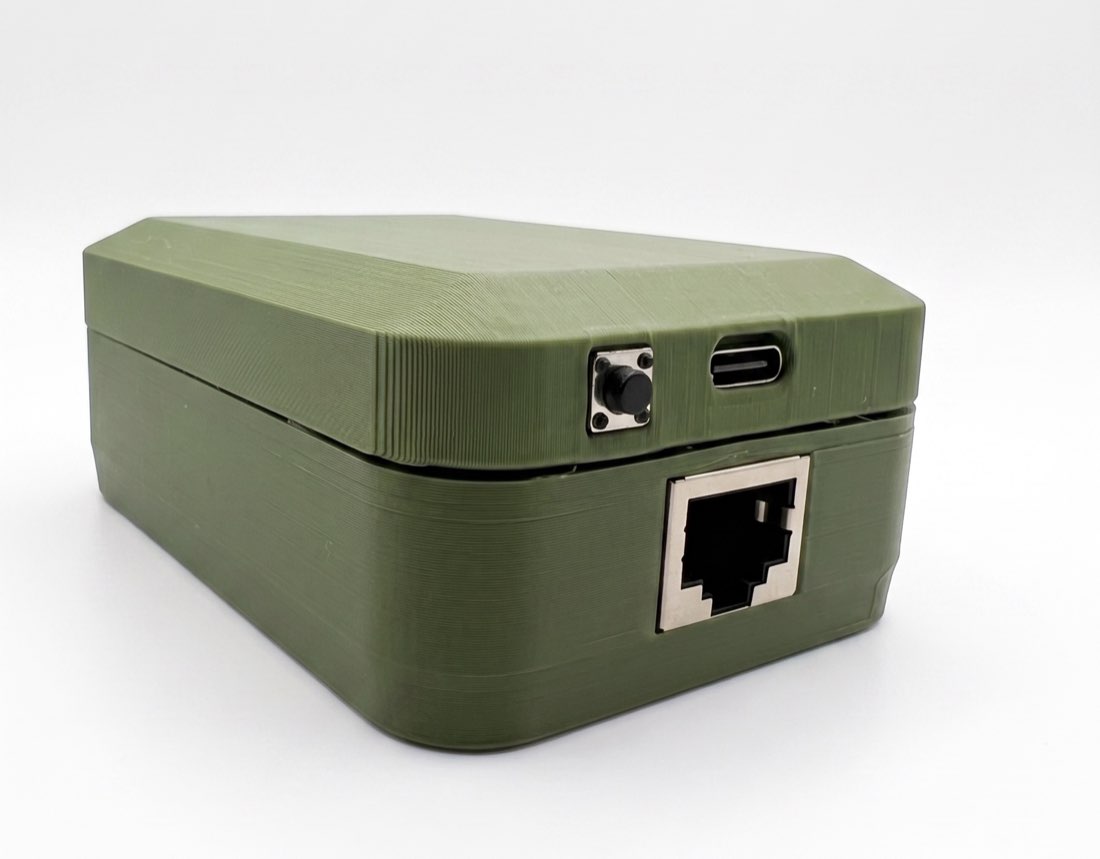
Svitgrid now works with MUST inverters. The ED-1.1 gateway connects to the inverter's port with a three-wire cable and reads solar, battery, grid and household load. The first station, a MUST PV18-1012 VPM, appeared in the app on 27 October.
 Ivan UrsulSvitgrid developer
What the app shows
The ED-1.1 gateway finds the inverter on the cable by itself, and the app identifies the model from what the inverter reports. From there it works like any other inverter: solar power, battery voltage and power, grid voltage and frequency, household load, inverter temperature, history and reports. The app also shows the inverter's settings, such as priorities and charge currents.
The PV18 does not report battery charge in percent. The first station's battery has a JK BMS, and the same gateway reads it over Bluetooth: the app shows the pack's charge and every cell voltage.
| Value | |
|---|---|
| Grid | 221.5 V, 49.99 Hz |
| Household load | 157 W |
| Battery | 13.5 V, 4 cells at 3.33 V |
| Charge from the BMS | 91 % |
| Inverter temperature | 46 °C |
How to connect
The inverter's port is labelled "RS-485, CAN", or "COM" on the PV18 VPM. The cable has three wires only: pins 1, 2 and 3. An ordinary network cable does not work: it puts the gateway's power on the inverter's CAN lines. Take the MUST Wi-Fi stick out while the ED-1.1 is connected, because the inverter answers one poller at a time.
Pinout and step-by-step setup →Every change in the app and the firmware, line by line.
Open the changelog →